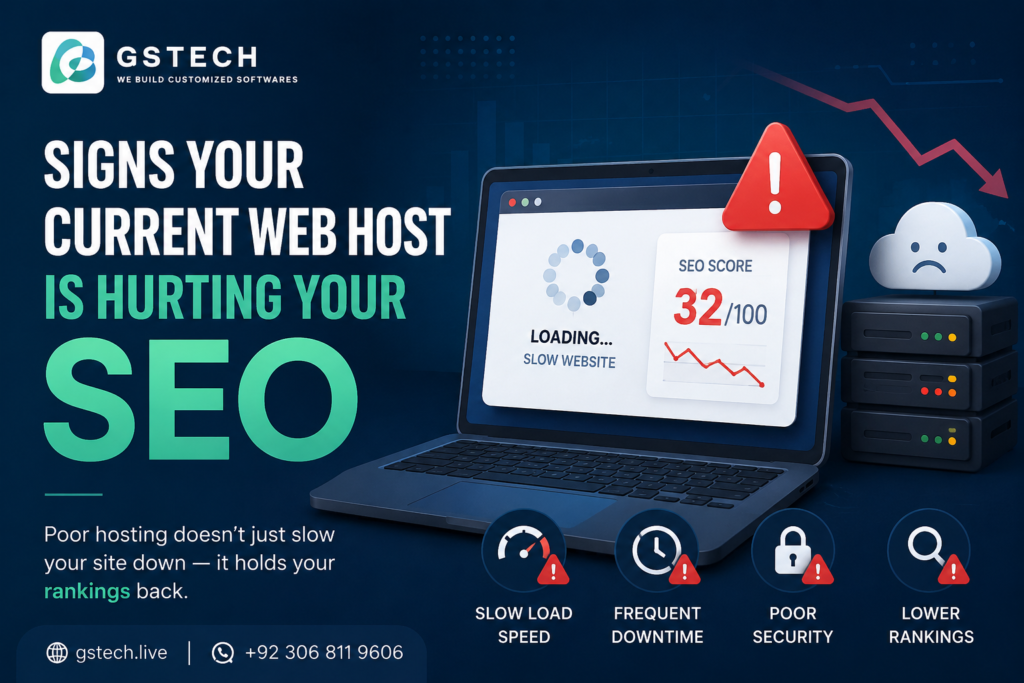
7 signs your hosting is hurting your SEO can often go unnoticed until your rankings and traffic begin to decline. Slow servers, frequent downtime, poor security, and hosting limitations can negatively affect your website’s performance and search engine visibility. In this guide, we’ll explain the warning signs and how to fix them.
Most business owners think of web hosting as a background utility, something you set up once and forget about. But your hosting provider has a direct, measurable impact on how well your site ranks in Google. Slow servers, frequent outages, and poor security configurations all send negative signals that search engines factor into your rankings.
If your traffic has been quietly declining and you can’t figure out why, your host might be the actual culprit. Here are the warning signs to look for.
1. Slow Time to First Byte (TTFB)
TTFB measures how long it takes your server to respond to the very first request from a visitor’s browser, before any content even starts loading. A slow TTFB drags down your overall page speed, and page speed is a direct Google ranking factor as part of Core Web Vitals.
What to check: Run your site through Google PageSpeed Insights or GTmetrix. A TTFB consistently above 600 milliseconds usually points to server-side issues rather than something fixable on the front end.
2. Frequent or Unexplained Downtime
Every time Googlebot tries to crawl your site and finds it unreachable, that’s a negative signal. Repeated downtime can lead to crawl errors in Search Console, and in severe cases, temporary de-indexing of pages.
What to check: Use an uptime monitoring tool (many are free) to track your site over a few weeks. Anything below 99.9% uptime is worth investigating with your host.
3. No Free SSL, or an Expired Certificate
Google has confirmed that HTTPS is a ranking signal, and browsers now actively warn visitors when a site doesn’t have a valid SSL certificate. If your host doesn’t offer free SSL through something like Let’s Encrypt, or your certificate has silently expired, you’re losing both rankings and visitor trust.
What to check: Look for the padlock icon in your browser’s address bar. If it’s missing, or shows a warning, this needs fixing immediately, not just for SEO but for basic visitor trust.
4. Shared IP Addresses With Spammy Neighbours
On budget shared hosting, you sometimes share an IP address with hundreds of other websites, some of which may be flagged for spam or malware. While Google has gotten better at evaluating sites individually rather than purely by IP reputation, a genuinely bad neighbourhood can still create avoidable friction.
What to check: Tools like MXToolbox can check whether your shared IP appears on spam blacklists.
5. No CDN or Server Location Mismatch
If your server is physically located far from your target audience, every visitor experiences extra latency before your page even starts loading. A content delivery network (CDN) solves this by caching your site closer to visitors worldwide, but not all budget hosts offer one by default.
What to check: If most of your traffic comes from a region far from your server’s data centre, and you don’t have a CDN configured, this is likely costing you load speed and rankings.
6. Resource Limits That Throttle Your Site Under Load
Some budget hosting plans aggressively throttle CPU and memory the moment your site gets a traffic spike, exactly when you most need it to perform well. If your site has ever slowed to a crawl right when a marketing campaign started driving traffic, this is almost certainly what happened.
What to Do If You Recognise These Signs
Not every issue requires switching hosts entirely. Some, like SSL or CDN setup, can often be fixed within your current hosting plan. Others, like chronic slow TTFB or resource throttling, usually mean your site has genuinely outgrown the plan you’re on and it’s time to move to something with dedicated resources, such as VPS hosting.
Either way, treating hosting as a purely technical, set-and-forget decision is a mistake once your website becomes a meaningful part of how customers find your business. A quick technical audit can usually tell you within an hour whether your current host is the bottleneck.